Today, I’m excited to share 10 Subaru settings that will make your driving experience more convenient. These settings are designed to solve common problems or help you personalize your Subaru to your preferences. Whether you’re driving the latest Subaru model or just looking to learn more about your car’s capabilities, these settings are going to make a huge difference.
If you’re new here, I’m Andrew, and I post weekly Subaru-related post here. Now, let’s dive into the settings, which are primarily for newer Subaru models such as the 2020 Outback, 2023 and newer Ascent, 2024 Impreza and Crosstrek, and the 2025 Forester. Even if you have a different model, many of these features may still apply, albeit with slightly different configurations.
1. Reconfiguring Auto Unlock with Keyless Entry
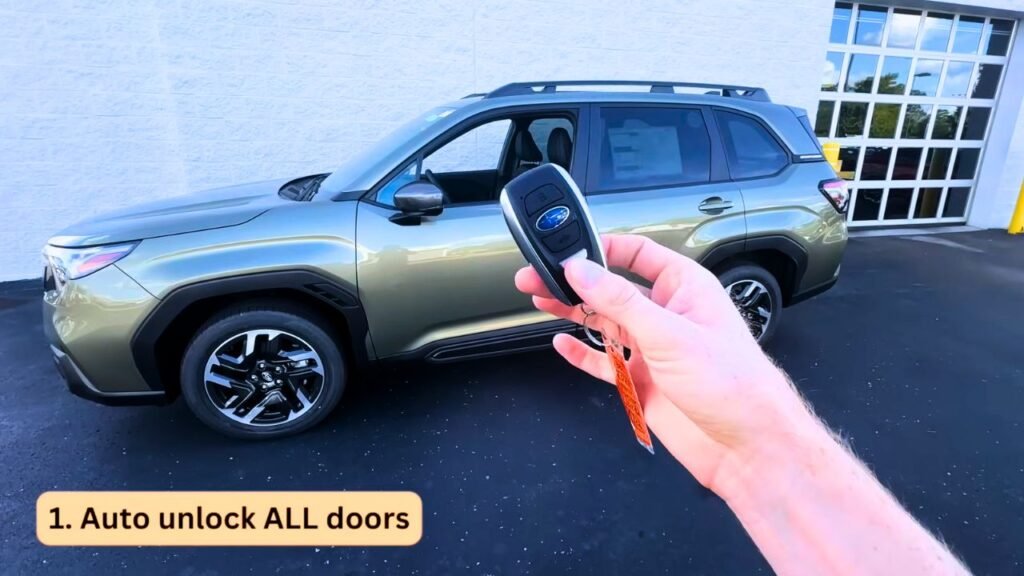
One of the most frequent questions I get is how to adjust the auto-unlock feature with the keyless entry key fob. By default, the driver’s door unlocks when you approach with the fob, but the passenger doors remain locked. Here’s how to adjust this setting so all doors unlock:
- Turn on your car and go to the Settings app on the touchscreen.
- Scroll to Car Settings and select Keyless Entry System.
- Tap Driver Door Unlock and switch the setting to All.
This change ensures that all doors unlock when you reach for the driver’s door, which is especially handy when you have passengers. If you’re driving alone at night or in a potentially unsafe area, consider leaving this setting on Driver Door Only to avoid unlocking all doors automatically.
2. High Beam Assist
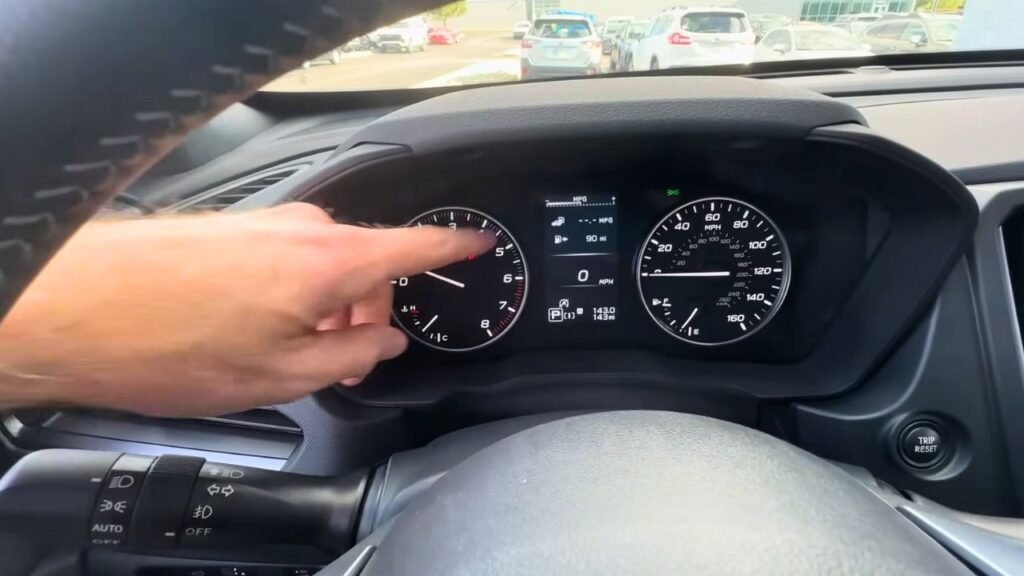
Subaru offers a convenient High Beam Assist feature to automatically adjust your high beams when driving at night. Here’s how to use it:
- Make sure your headlights are set to Auto.
- Push the left stock forward to turn on your high beams.
Once enabled, your high beams will automatically dim when oncoming traffic is detected and return to high beam mode once the road is clear. This setting helps improve nighttime driving safety without requiring manual adjustments.
3. Auto-Adjust Display Brightness
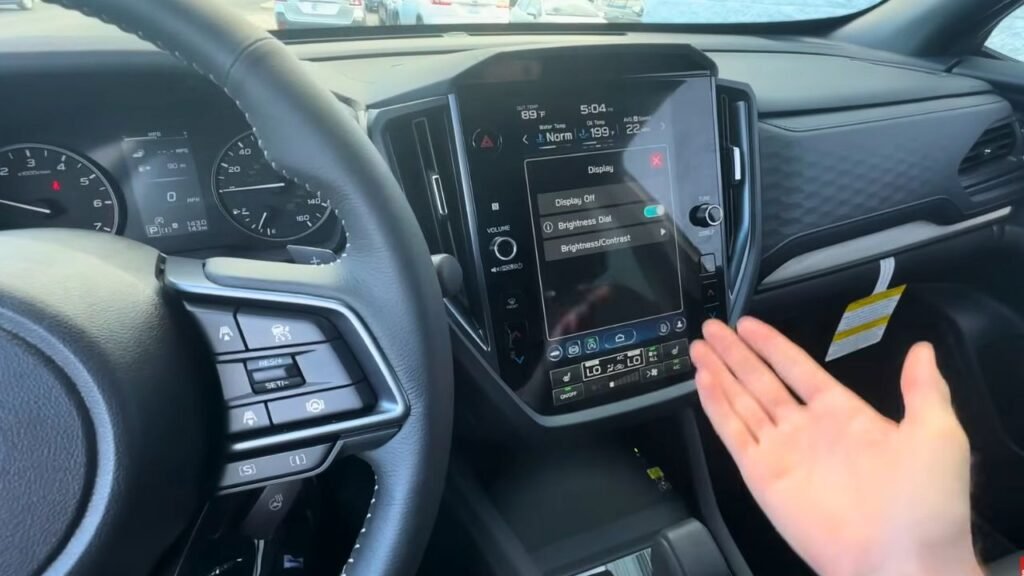
If your touchscreen display feels too bright at night, you can easily adjust the brightness to automatically dim in low-light conditions:
- Go to Settings, then select Display, and turn on Brightness Dial.
- Ensure the left stock is set to Auto, and use the dial to adjust the brightness.
With this setting, both the gauge cluster and the touchscreen display will automatically adjust based on the outside lighting, reducing eye strain while driving at night.
4. Birthday and Anniversary Reminders
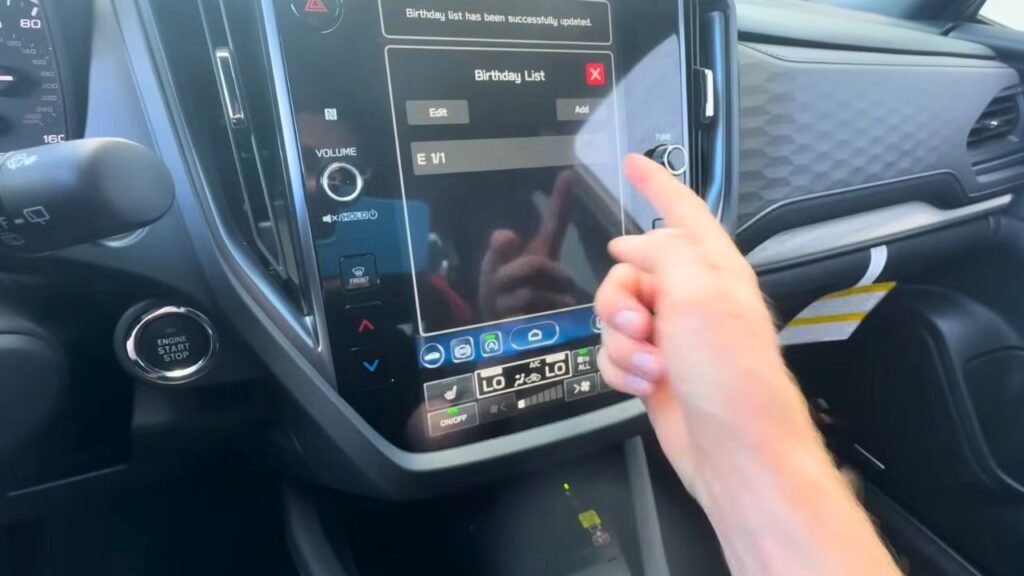
For those who often forget important dates like birthdays or anniversaries, Subaru offers a reminder feature built into the system. Here’s how you can use it:
- Go to Settings and scroll down to Birthday List or Anniversary List.
- Add a name and date, and your car will remind you on that special day whenever it is started.
This feature ensures you never miss an important date again. It’s a small but handy setting that can save you from forgetting key moments.
5. Memory Rear Gate Setting
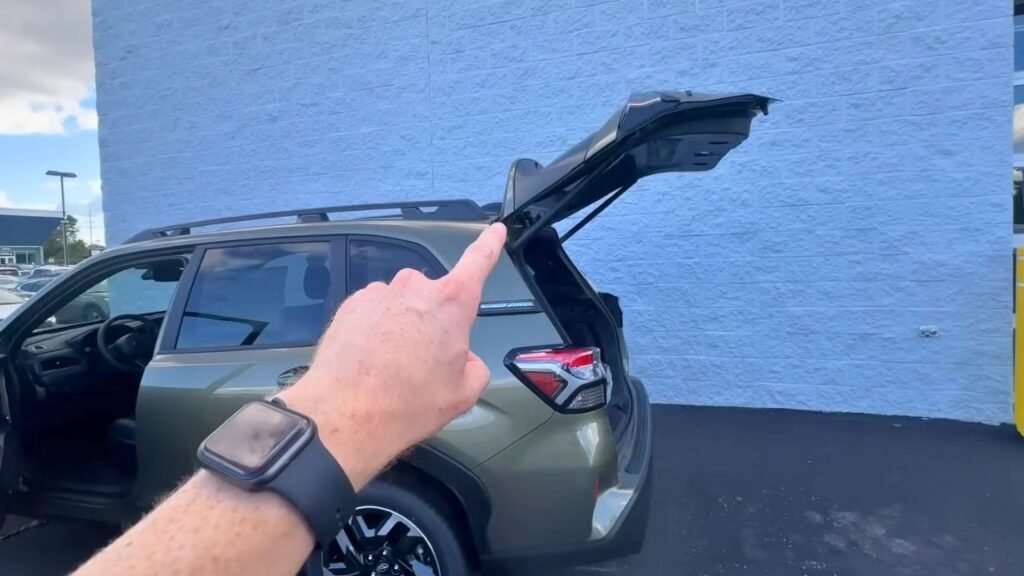
If your Subaru has a power rear gate, you can adjust how high it opens to avoid interference with roof-mounted cargo, like kayaks or cargo baskets. Here’s how:
- Go to Settings, then Car Settings, and select Power Rear Gate.
- Turn on the Memory Setting.
You can now manually adjust the rear gate height to your desired level, and it will remember this setting the next time you open the gate. To reset it to full height, simply turn off the memory setting. This feature is available on models like the Subaru Ascent, Outback, and Forester, but not on base models or certain other trims.
6. Adding Shortcuts to the Home Screen
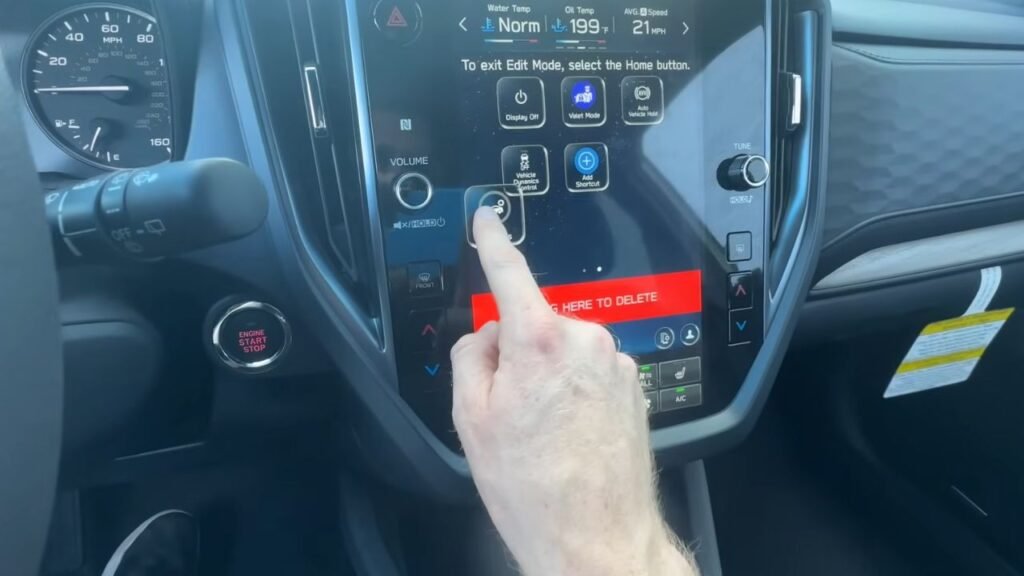
Going through various menus to access specific settings can be time-consuming. Fortunately, you can add shortcuts to your home screen for quicker access. Here’s how:
- Go to Settings, then Add Shortcut.
- Select Car Settings and move it to your home screen.
You can even rearrange the apps by clicking and holding them. This allows you to customize your home screen for quicker access to frequently used settings.
7. Customizing the Center Display Information
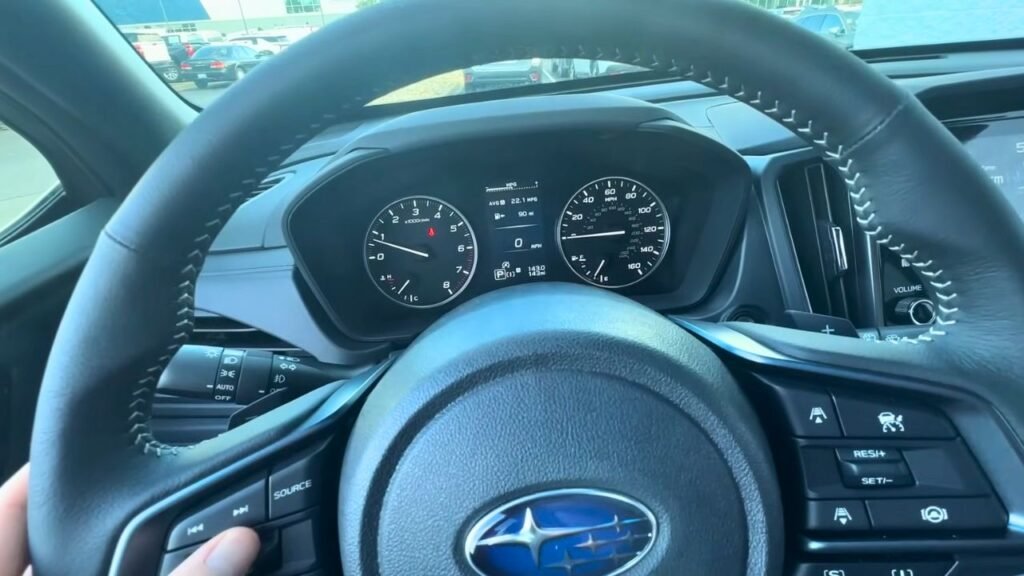
You can change what’s displayed on your Subaru’s center screen to show important information, like miles to empty or tire pressure. Here’s how to customize it:
- Go to Settings, select Meter Display, and choose from options like Gas Range, Tire Pressure, Compass, or Outside Temperature.
This customization allows you to have the information that matters most to you displayed at all times.
8. Fast Charging on the Wireless Charging Pad
If your Subaru is equipped with a wireless charging pad, you can enable fast charging for your phone:
- Press the power button on the charging pad three times.
- The light will flash from green to orange, indicating that fast charging is enabled.
Fast charging for iPhones will stop at 80% to preserve battery life, while charging behavior on Android devices may vary.
9. Cleaning the Rear Camera Lens
If your rear camera gets dirty, especially in bad weather, Subaru has an easy way to clean it without leaving the car. Here’s what to do:
- Turn on the rear wiper and keep twisting the control clockwise.
- Fluid will spray and clean the camera lens at the same time.
This feature is a simple yet effective way to maintain clear visibility through your rearview camera without needing to exit your vehicle.
10. Auto Vehicle Hold (AVH)
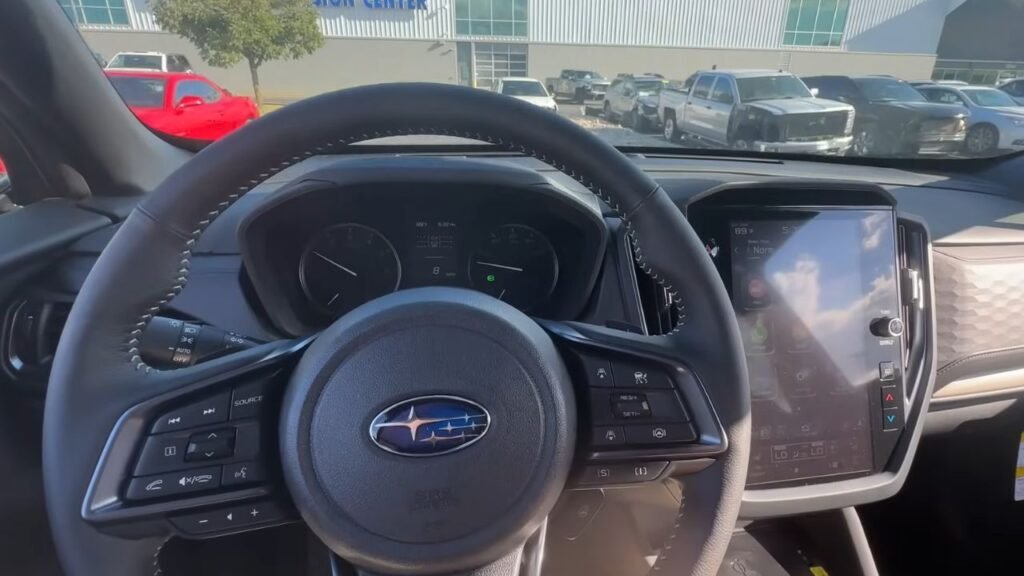
The Auto Vehicle Hold (AVH) feature is a personal favorite, especially useful in stop-and-go traffic. Here’s how to use it:
- Press the AVH button and ensure your seatbelt is on.
- Once you come to a complete stop, apply the brake firmly. The AVH light will flash, indicating you can release the brake.
This feature allows you to relax at red lights or in heavy traffic without keeping your foot on the brake. To move again, simply press the gas or tap the brake to release AVH.
Final Thoughts
I hope you found these 10 Subaru settings helpful. Whether you’re adjusting the auto-unlock settings, setting up high beam assist, or adding shortcuts to your home screen, these tips should make your driving experience smoother and more convenient. If you have any questions, leave them in the comments below.
Thanks for reading, and I’ll see you in the next one!